














Generic selectors
Exact matches only
Search in title
Search in content
Post Type Selectors
Your Growth, Our Digital Expertise.
Digital Marketing Agency AdwayCreative

Why Ads Fail: The 7-Step Google Ads Pre-Launch Checklist

Unlock Your Competitive Edge

Table of Contents

In this article, we dive into the Google Ads Profit Playbook, an insider’s checklist designed to stop wasted spend and turn your campaigns into a predictable, profitable investment.

▶️ Click to watch to the video version of this article
80% of a campaign’s success is determined by the preparation done before a single cent is spent. Below are the 7 mandatory steps we apply at AdwayCreative to ensure your budget works for you, not against you.

The Process: How We Audit and Setup Accounts for Lower CPC and Higher Conversions

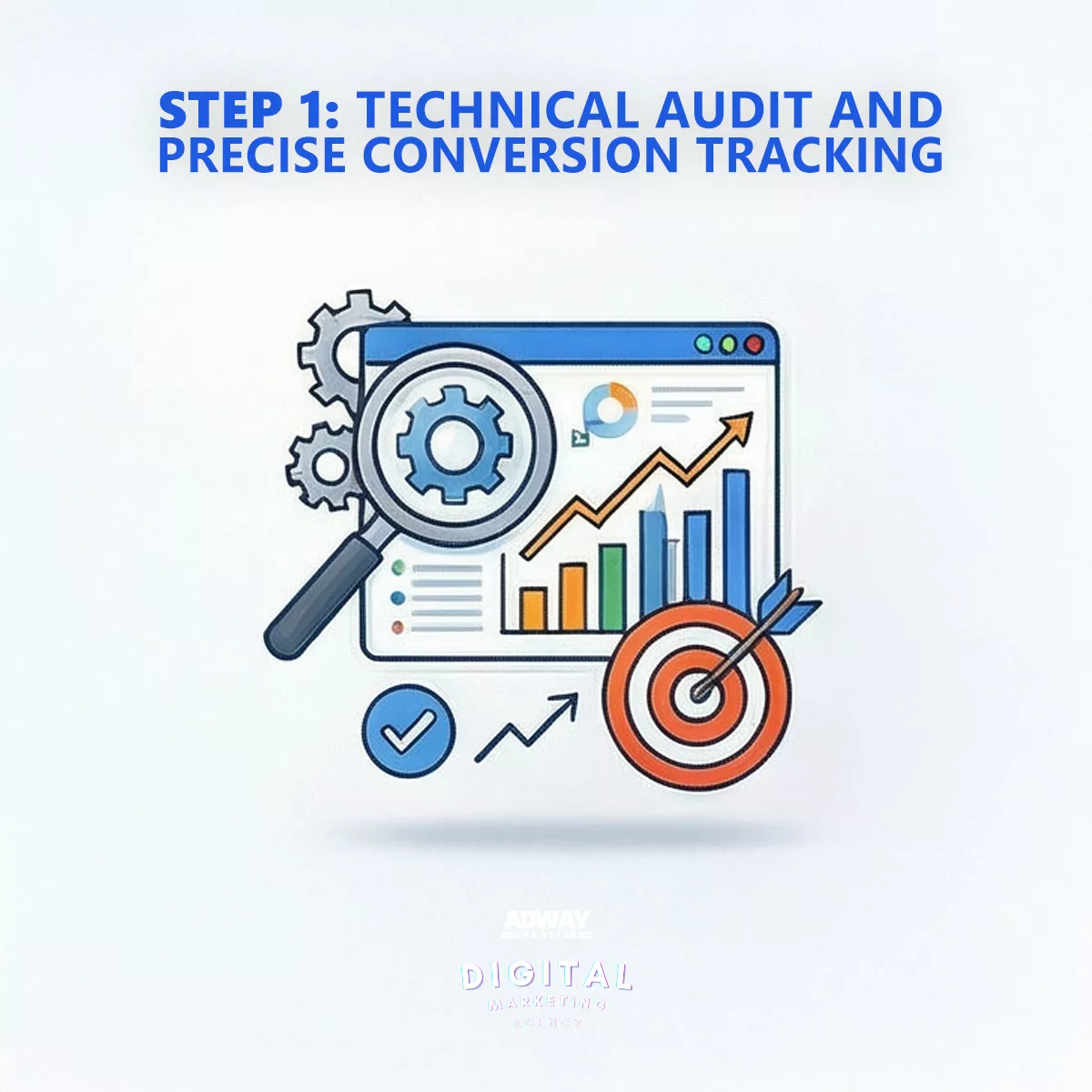
Step 1: Technical Audit & Precision Conversion Tracking

Google Ads conversion tracking setup with Google Tag Manager and Google Analytics 4 dashboard

What We Do: Everything starts with data. Before launching any Google Ads campaign, we ensure we have an impeccable measurement system in place. This includes setting up Google Analytics 4 (GA4), integrating Google Tag Manager, and clearly defining what “success” looks like—whether it’s a completed order, a form submission, a phone call, or a file download.

Why It Saves You Money: Without tracking, you are flying blind. You pay for clicks, but you don’t know which ones turn into clients. With precision measurement, we invest your budget only in the specific keywords, ads, and audiences that show a clear Return on Ad Spend (ROAS). In the age of AI-driven campaigns like Performance Max, this step is no longer just recommended—it is absolutely critical.

From Our Portfolio (Case: Rosela AD) “Thanks to precise tracking for the cucumber producer Rosela AD, we achieved a cost per conversion of just 0.24 BGN and generated over 5,800 inquiries. These results would have been invisible without the correct technical setup from day one.” Read the full case study here

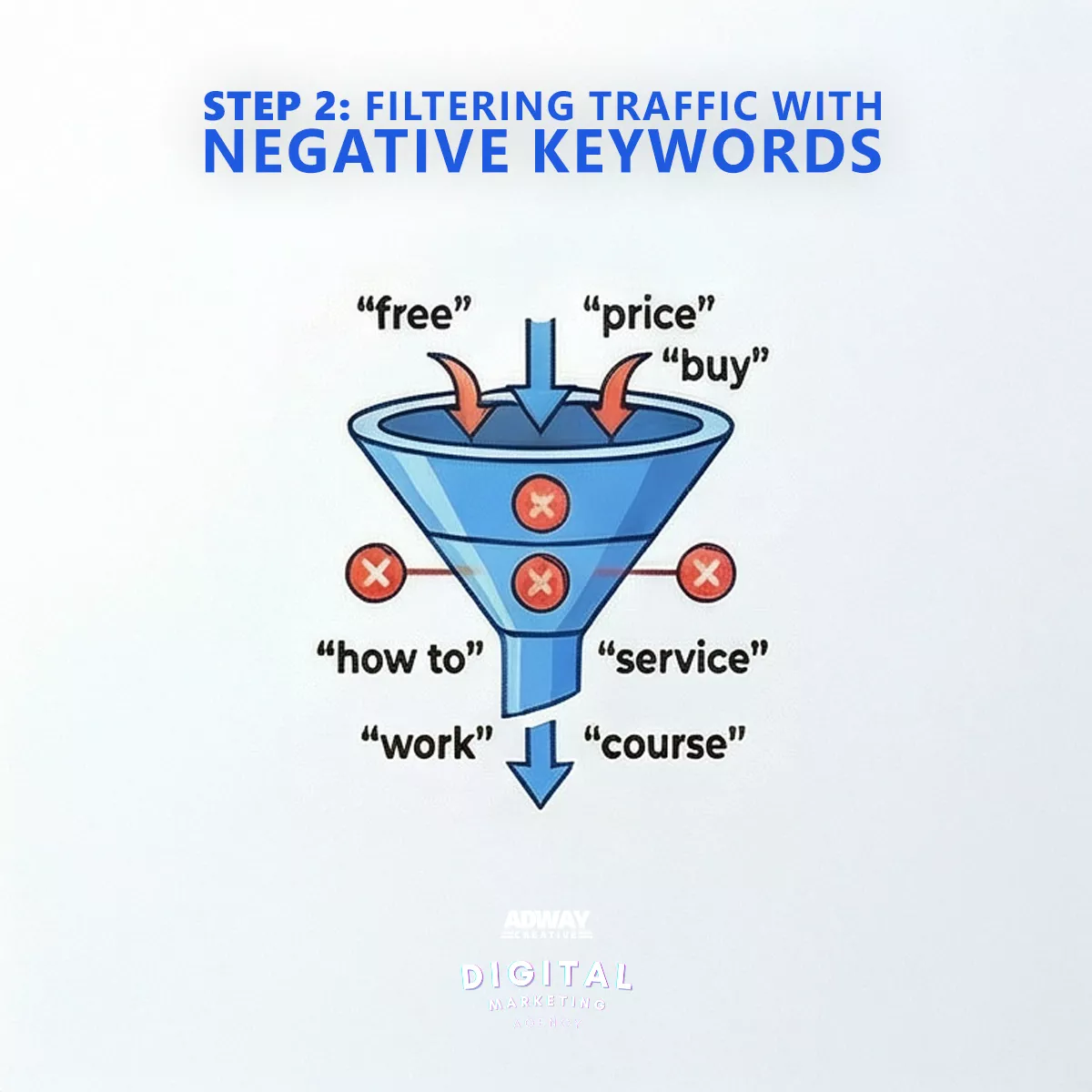
Step 2: Filtering Traffic with Negative Keywords

Google Ads negative keywords list including free, price, buy, and how to for better targeting

What We Do: We compile comprehensive Negative Keyword Lists—terms for which we do not want your ads to show. These include words like “free,” “reviews,” “forum,” “DIY,” “second hand,” and even competitors’ names (unless the strategy dictates otherwise).

Why It Saves You Money: This is the fastest and most effective way to stop budget leakage on irrelevant traffic. We eliminate clicks from people looking for information rather than a solution, or those simply comparing prices with no intent to buy.

A Real-World Example: “When auditing new client accounts, we almost always find that up to 30% of the previous month’s budget was wasted on irrelevant searches. We once had a B2B client spending over 500 BGN on searches containing the word ‘internship’ because they offered training services. Blocking these words has an immediate positive effect on your Cost Per Acquisition (CPA).”

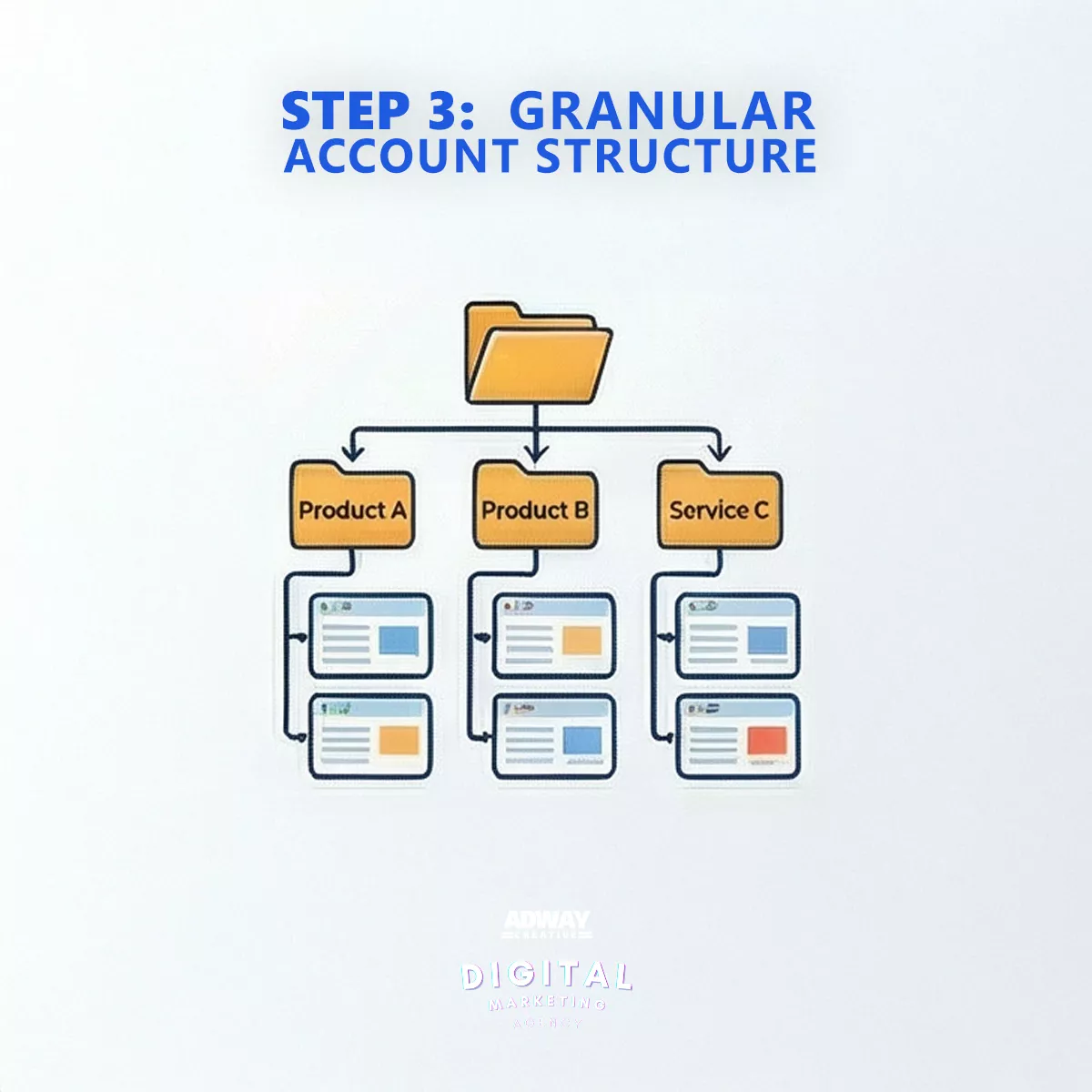
Step 3: Granular Account Structure for Maximum Relevance

Organized Google Ads account structure with separate campaigns for products and services

What We Do: We avoid the “everything in one basket” approach. Instead, we split services or product categories into separate, tightly focused campaigns and ad groups. For example, instead of one general campaign for “Legal Services,” we create separate campaigns for “Commercial Law,” “Family Law,” “Criminal Defense,” etc.

Why It Saves You Money: Google rewards relevance. The tighter the connection between the Keyword, the Ad Copy, and the Landing Page, the higher your Quality Score. A higher Quality Score leads directly to a lower Cost Per Click (CPC) and better ad positions. This means you pay less than your competitors for the same spot.

From Our Portfolio (Case: S&V Law) “For Slavchev & Vasilev Law Firm, we didn’t just run a generic ‘lawyer’ ad. We segmented campaigns by specific legal services and languages (BG/EN). This granular structure allowed us to achieve a CPC of just 0.67 BGN in a highly competitive niche where clicks often cost significantly more.” View the project here

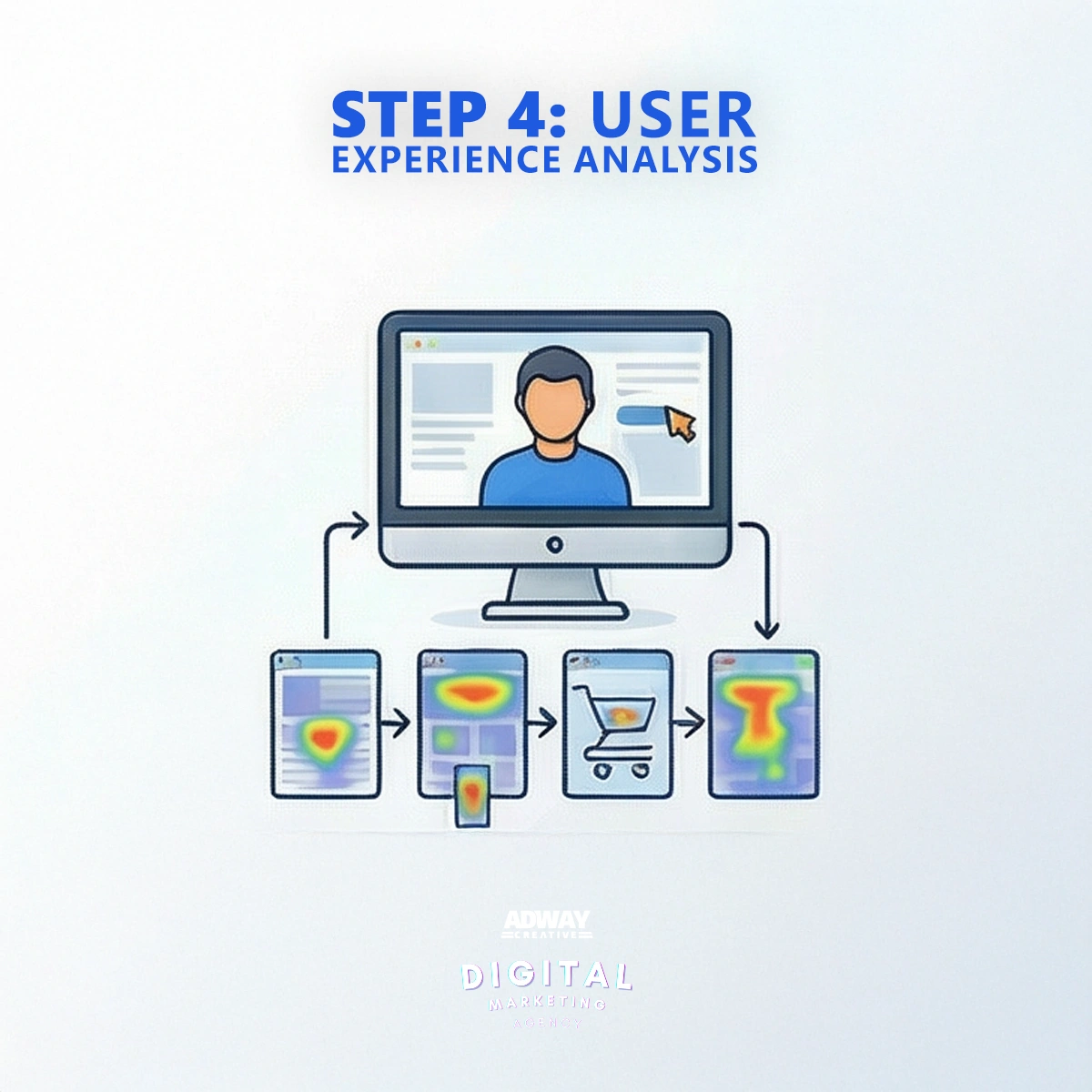
Step 4: User Journey Analysis (UX Audit)

Landing page user experience analysis for Google Ads including mobile compatibility and page speed

What We Do: We walk in your customer’s shoes. Before investing a penny in traffic, we rigorously test your website:

  • Load Speed: Does the page load in under 3 seconds?

  • Mobile Responsiveness: Is the site easy to use on a phone? Are buttons accessible?

  • Contact Forms: Do they work correctly? Are there too many fields?

  • Call to Action (CTA): Is it immediately clear what the user should do next?

Why It Saves You Money: There is absolutely no point in paying for expensive traffic to a website that fails to convert visitors. By fixing “leaks” in the user experience, we increase the Conversion Rate from the same number of visitors and the same budget.

“We fix the bucket before we turn on the tap. We once paused a client’s new campaign immediately after launch because we discovered the contact form on mobile wasn’t delivering messages. This saved them hundreds of Levs in useless clicks.”

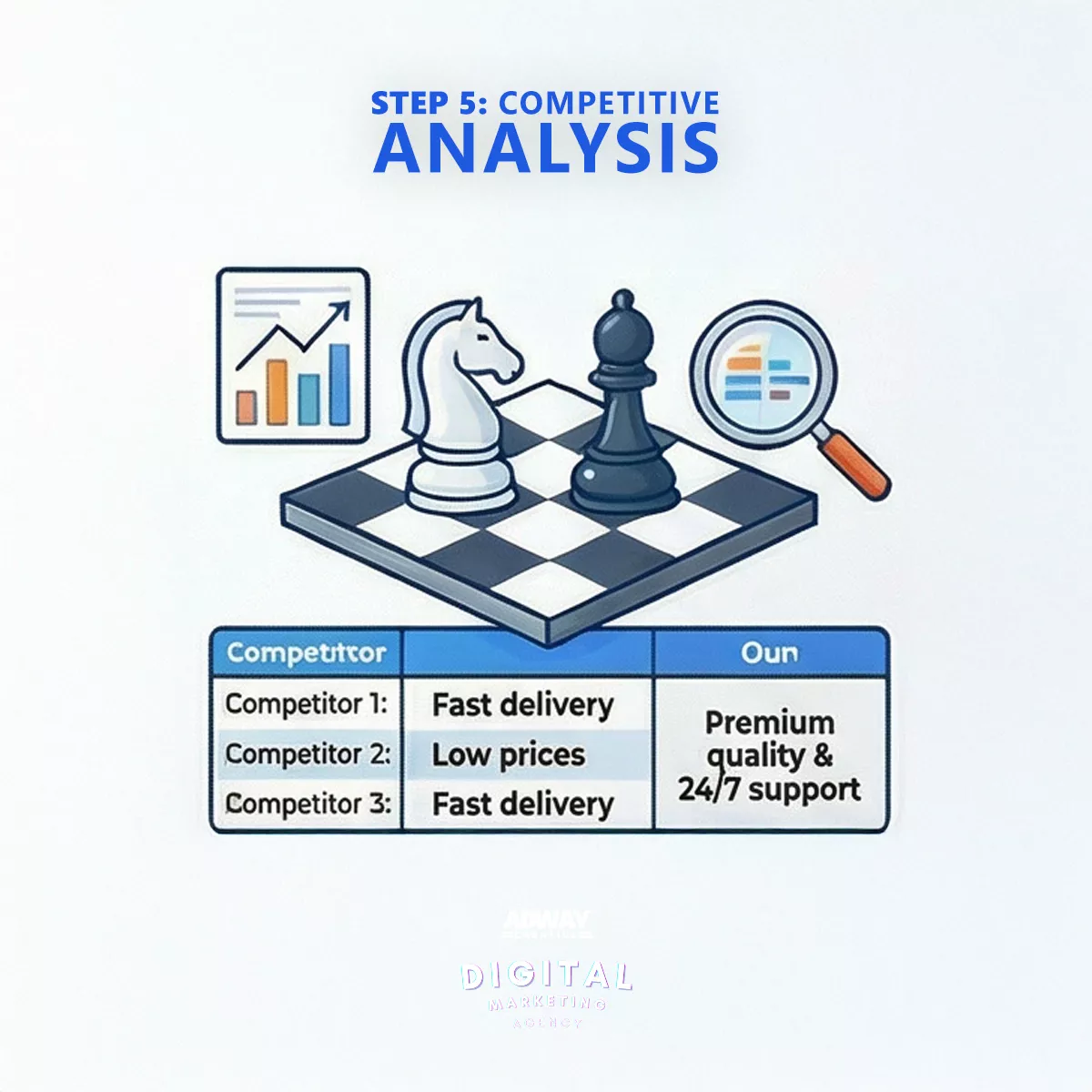
Step 5: Competitor Intelligence & USP Strategy

Competitor analysis for Google Ads showing competitor messaging on delivery and pricing

What We Do: We use specialized tools to “spy” on your competitors’ Google Ads activity. We analyze their offers, promotions, ad copy, and the Unique Selling Propositions (USPs) they highlight.

Why It Saves You Money: Instead of competing solely on price or repeating clichés, we find your “gap” in the market. We identify what makes you different and make it the core of your communication. This attracts the right clients and protects you from margin-killing price wars.

“If all your competitors are writing ‘High Quality Services,’ that message becomes noise. We find the specifics they lack—e.g., ‘The only ISO:9001 certified agency,’ ’24h delivery in Sofia,’ or ’25 years of experience’—and turn that into your main weapon.”

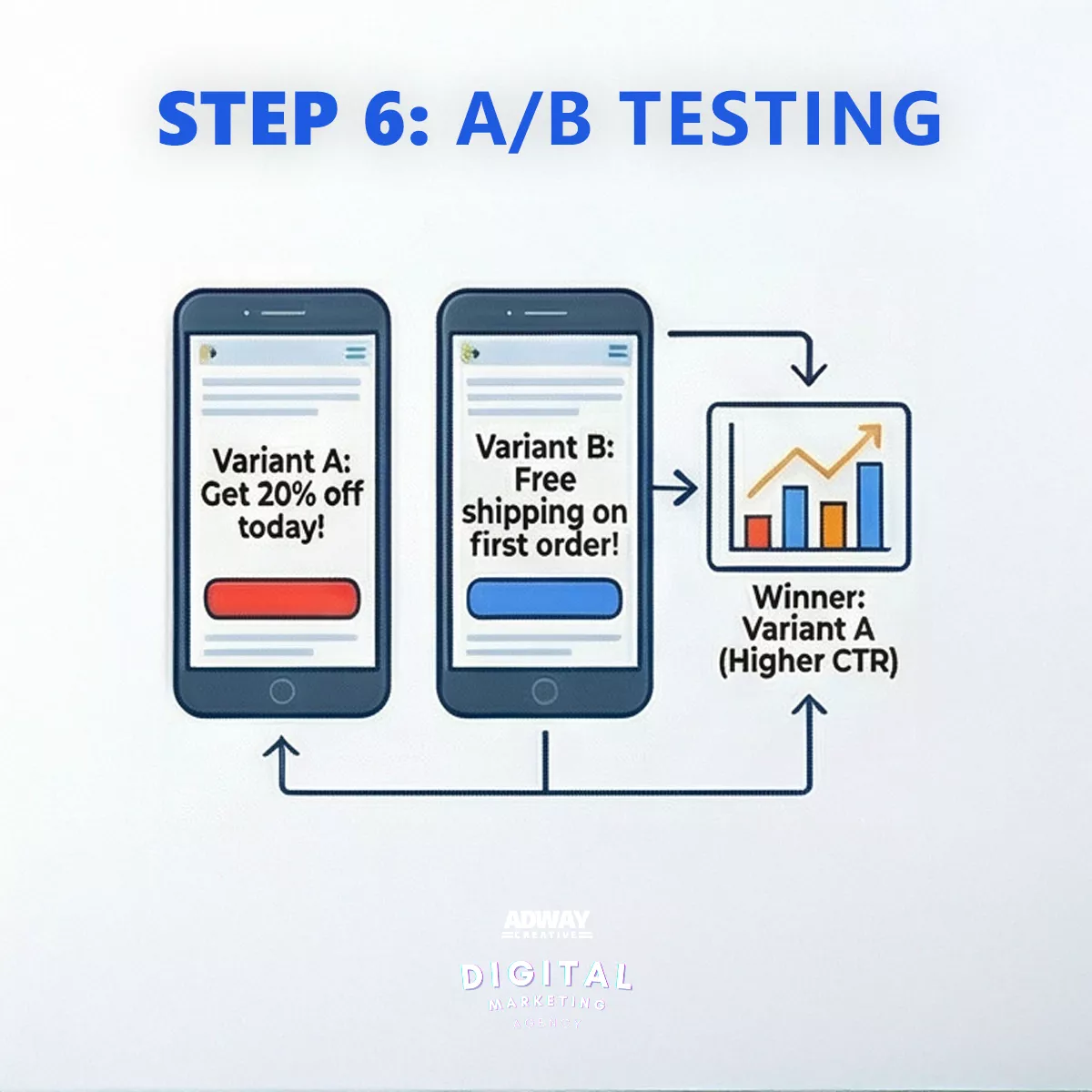
Step 6: A/B Testing of Creatives and Copy

Google Ads A/B testing comparison showing two ad variants with different offers

What We Do: We never rely on assumptions. For every ad group, we create multiple variations of headlines and descriptions (for Search Ads) or different visuals and videos (for Performance Max). We then let Google’s algorithms prove which combinations perform best.

Why It Saves You Money: We don’t guess what your audience wants; we let the data decide. By identifying which text or image generates the most conversions at the lowest cost, we eliminate the subjective factor and optimize your budget efficiency over time.

From Our Portfolio (Case: Arlet K) “For the professional training center Arlet K., we tested various visual formats and messages in their Performance Max campaigns. Through data-driven creative optimization, we achieved a Click-Through Rate (CTR) of 7.16%—several times higher than the education industry average.” Learn more about this campaign

Step 7: Realistic Budget Forecasting

Google Ads A/B testing comparison showing two ad variants with different offers

What We Do: Using tools like Google Keyword Planner and our data from dozens of accounts across various niches, we provide a realistic forecast of what can be achieved with your specific budget. We have honest conversations about expected CPC, traffic volume, and conversion estimates.

Why It Saves You Money: We protect you from the most expensive mistake in marketing: investing in goals that are mathematically impossible with the available budget. Transparency is the foundation of our partnerships. If we believe your goals aren’t realistic, we will be the first to tell you—before you spend a single coin.

Conclusion: Preparation is the Key to Profit

Tips on creating a successful Google Ads advertising copy.

As you can see, effective Google Ads management begins long before the “Publish” button is pressed. Each of these seven steps acts as a safety net, catching potential budget waste and directing your investment solely toward results.

Skipping even one of these steps leaves the door open for inefficient spending. By following this proven process, AdwayCreative ensures that the foundation of your campaigns is solid, measurable, and ready for success.

Are you ready to stop losing money and start gaining clients with Google Ads?

Contact us for a free account audit and strategic consultation.

FAQ - frequently asked questions and answers

FAQ - frequently asked questions and answers

How quickly will I see results from Google Ads? You will see traffic and impressions almost immediately after launch. However, significant business results (conversions at an optimal price) typically require an optimization period of 1 to 3 months, during which the algorithm collects data, and we make the necessary adjustments.

What budget do I need to start? The minimum budget depends heavily on your industry, competition, and CPC. For a local business, 500-700 EUR per month might suffice, while a national campaign in a competitive niche might start from 1,500 EUR and up. We recommend a personalized forecast for accuracy.

Why hire an agency instead of doing it myself? Google Ads is a complex, dynamic platform where mistakes cost real money. Hiring an experienced agency saves you time, protects you from costly errors, and gives you access to expertise and tools that accelerate your ROI.

What does your “Google Ads Management” service include? Our service is comprehensive and covers all 7 steps described above, plus much more: initial audit and strategy, technical setup, campaign structure, ad creation, continuous monitoring, bid and budget optimization, A/B testing, and detailed monthly reporting with analysis.

Toggle Dark Mode
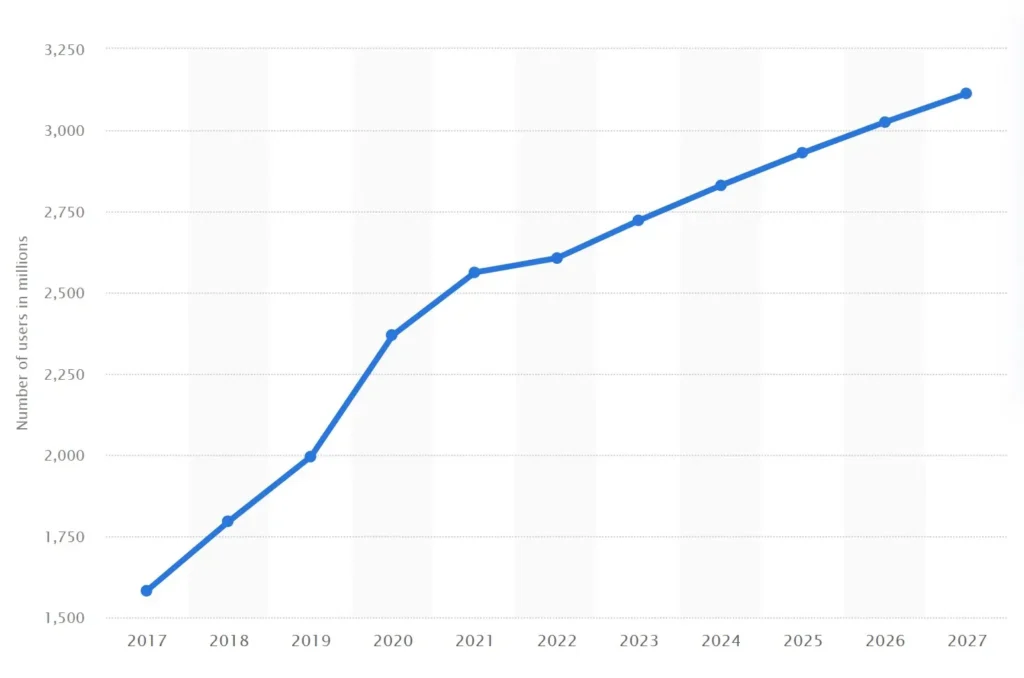
Facebook is set to reach an incredible number of users worldwide from 2017 to 2027 - © Statista 2024
Source: Statista 2024

Facebook is on track to reach an impressive 3.113 MILLION users by 2027. Source: © Statista 2024

AdwayCreative Logo White
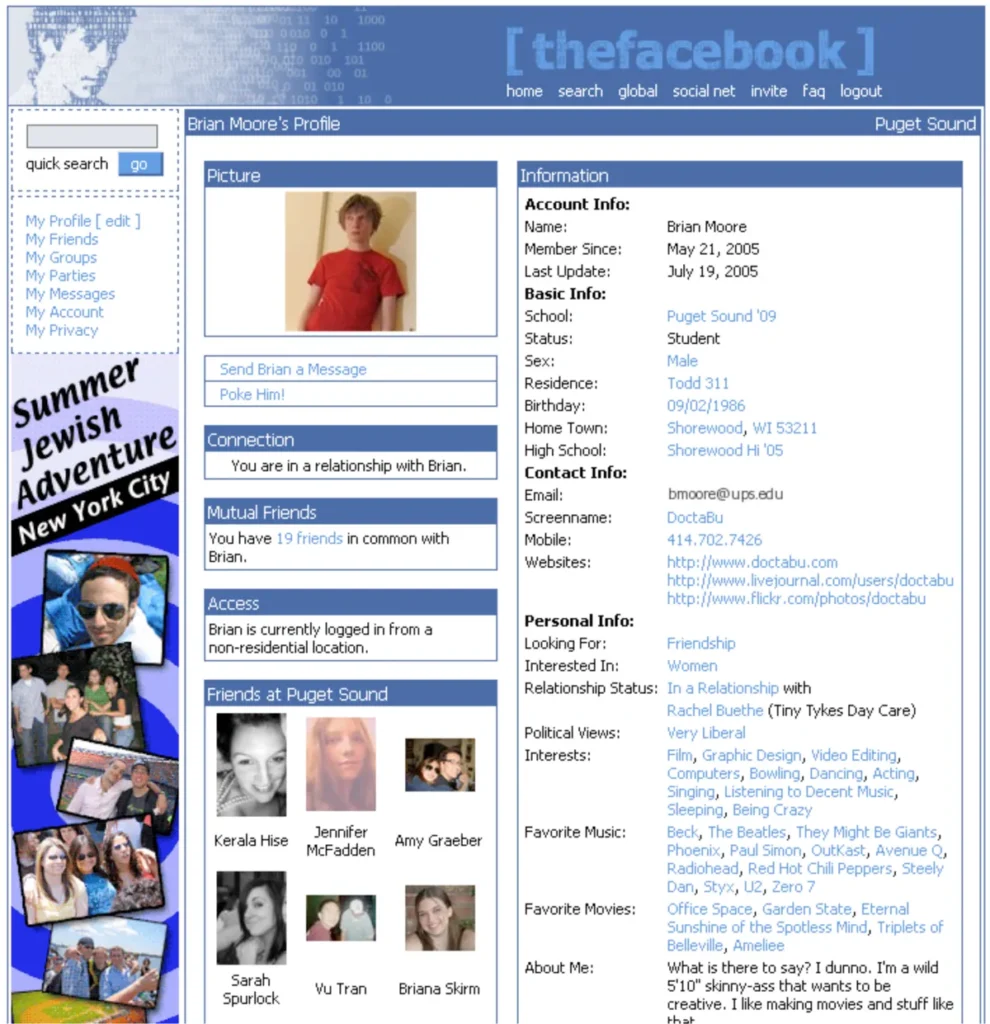
Facebook Flyer Ad - Summer Jewish Adventure New York City
Image: cnet.com

Before 2005, most of Facebook’s revenue came from “flyers” that students or small businesses purchased for $10-$40 per day to target a specific college campus. 

AdwayCreative Logo White
instagram first photo

The very first Instagram photo, featuring a golden retriever at Tacos Chilakos.

AdwayCreative Logo White